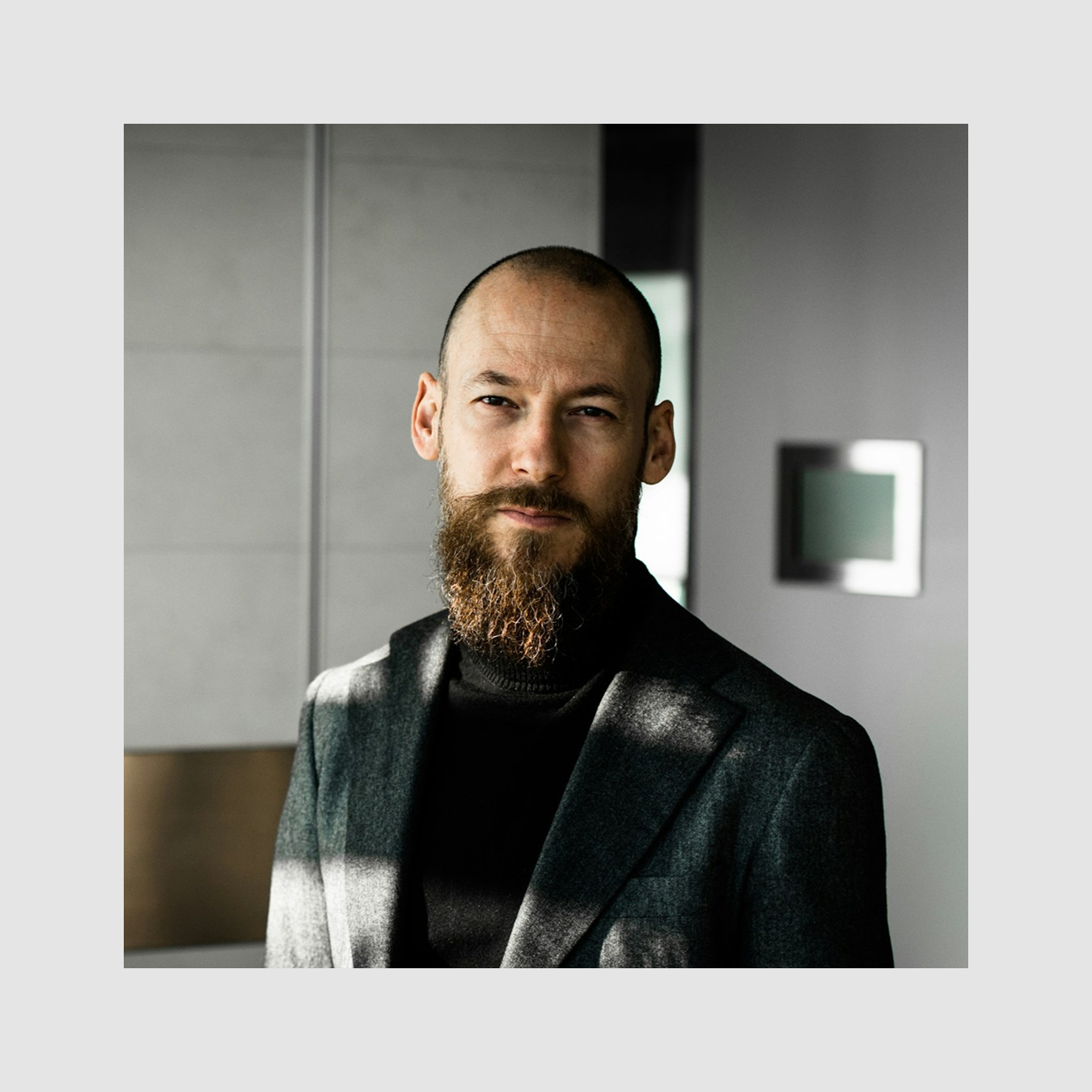
Passionate about building innovative solutions. I believe in fostering a culture of collaboration, curiosity, and continuous learning. My focus is on strategic growth, long-term vision, and creating value for our clients and partners.
Social Media
Set Up the Post Template Page
Use this block to create a custom template for post pages. Before publishing, you'll need to configure it.
To set it up:
Create a new page and add this block.
Set this page as the post template in Feeds → Feed Settings → Template.
Go back to the page editor and connect the block elements to the corresponding Feed fields. View guide
Use this block to create a custom tile for your Feed. Configure it before publishing the page.
How to set it up:
1. Open Block Editor and select the layers containing the tiles in the Layers panel. 2. In the Feed settings, select your Feed in the Source field. 3. Select an element you want to connect to the Feed content. In the element settings, choose the corresponding Feed field. Repeat for all required elements.